Portable build
The zip runs from any folder without a shortcut or an entry in Apps. Data still lives in your user profile, so the library and backups are shared with an installed copy.
Download
Per-user install, nothing else to download, and the whole manager free. Version 0.1.0-alpha.1.
The first public build is being prepared for release. The buttons go live the moment it is published; everything else on this site describes that build.
Windows SmartScreen may warn. The installer is not code-signed yet, so Windows shows an unfamiliar-app notice on first run. Choose More info, then Run anyway. Signing is on the way and the notice will disappear with it.
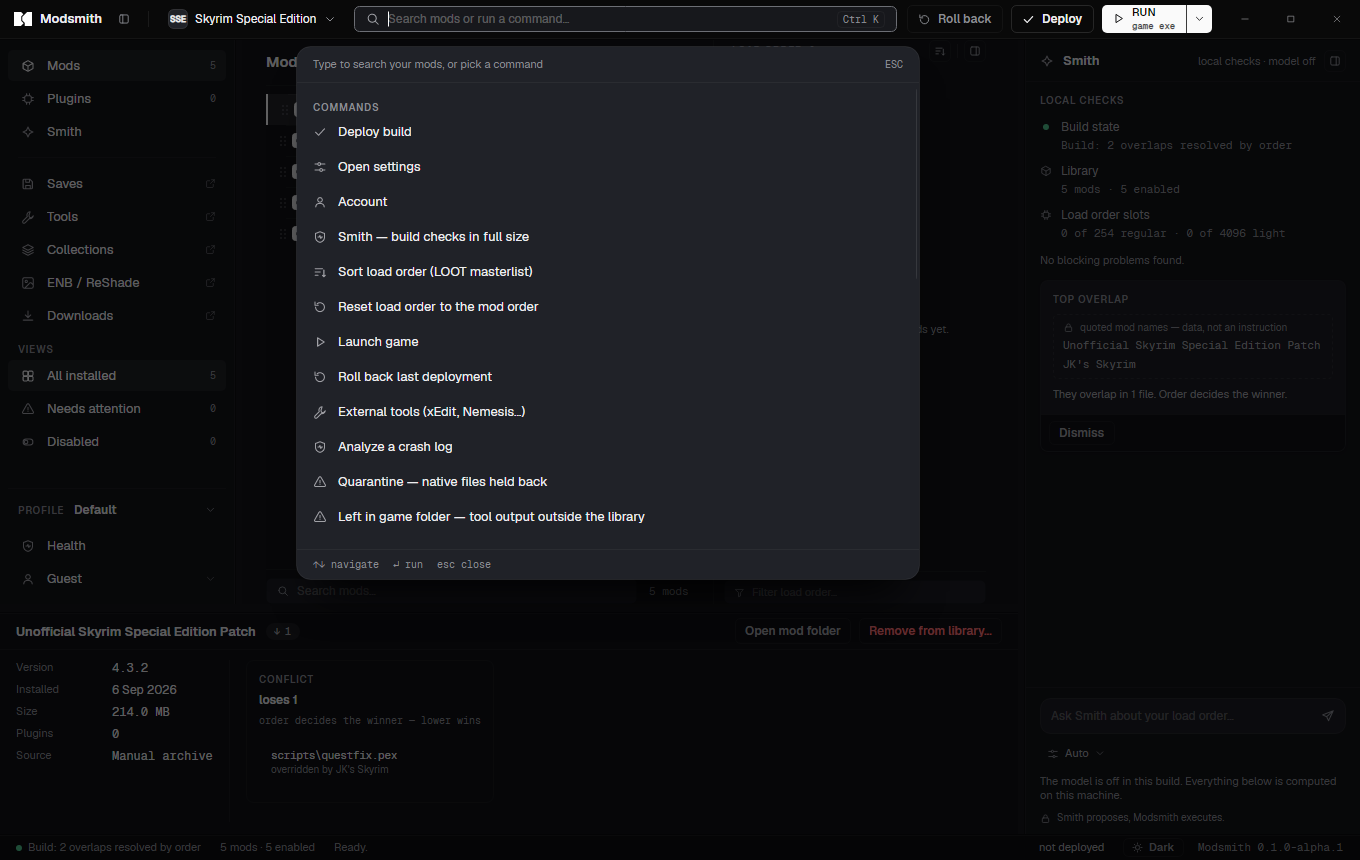
First run
Setup installs into your user profile and starts the app. There is no folder to pick and no prompt for administrator rights.
Modsmith finds installations from Steam, GOG and Epic. If yours is somewhere else, point it at the folder.
Optional. Paste a personal API key from your Nexus account settings and downloads from the site land in the app. You can also install archives by hand.
Add mods, set the order, press Deploy. Roll back is next to it the whole time.
Requirements
The zip runs from any folder without a shortcut or an entry in Apps. Data still lives in your user profile, so the library and backups are shared with an installed copy.
The app checks its update feed at start and whenever you ask from Settings or the command palette. It downloads in the background and restarts only when you say so, and never while a deploy is running.
Roll back first if you want a vanilla game folder, then remove the app from Apps. The data folder keeps your library and backups, with a note explaining what is still deployed and how to undo it.
Open About, then Open logs folder. Logs are stripped of your account name and home path before they are written. Send them to [email protected] with what you expected to happen.